




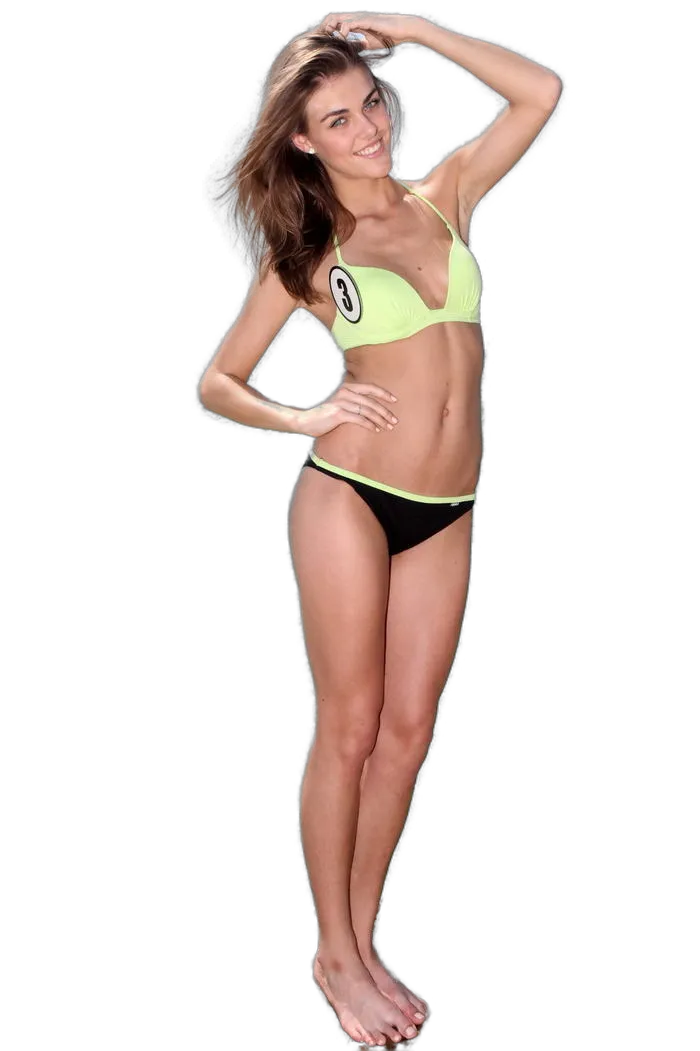
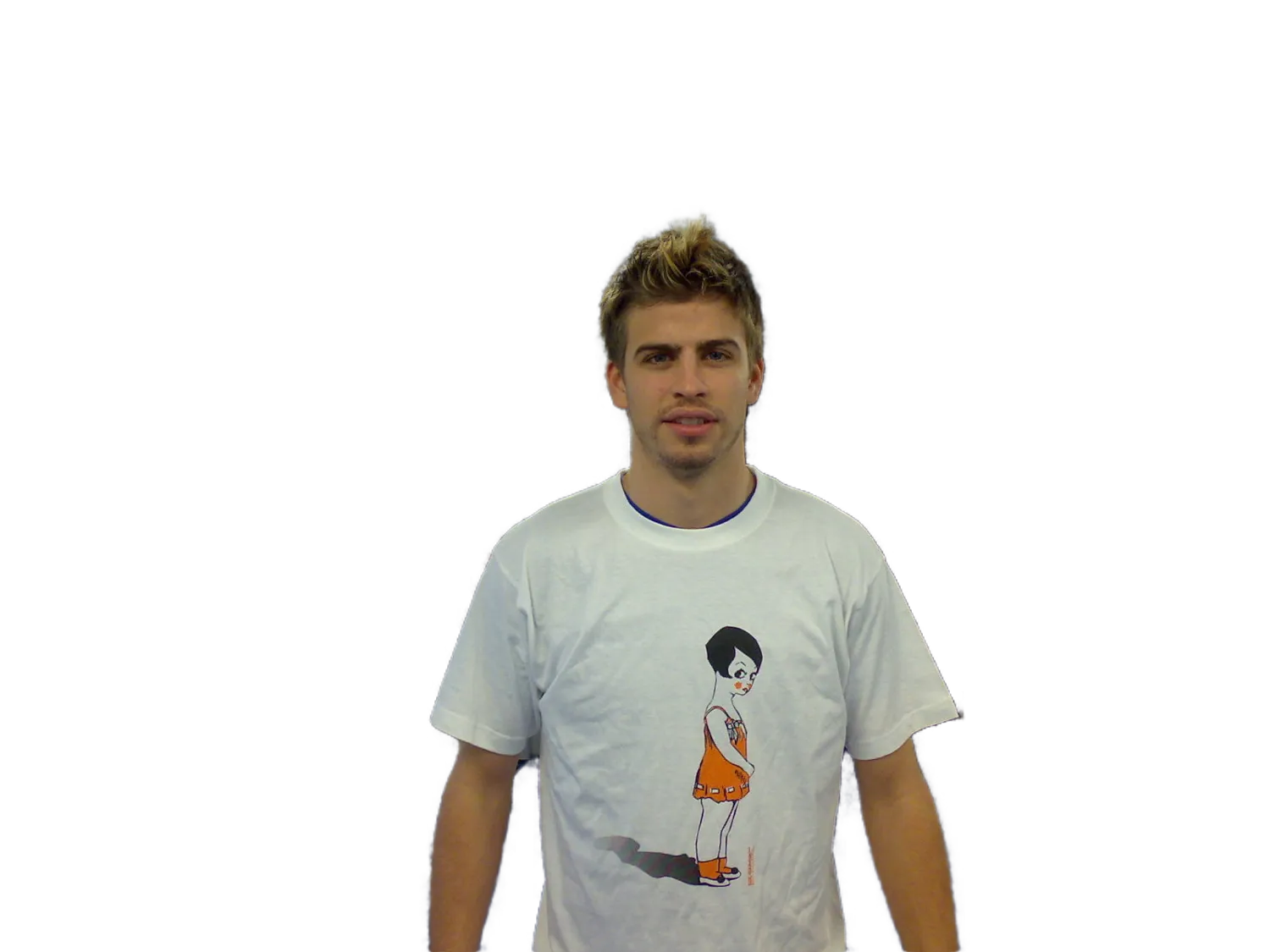
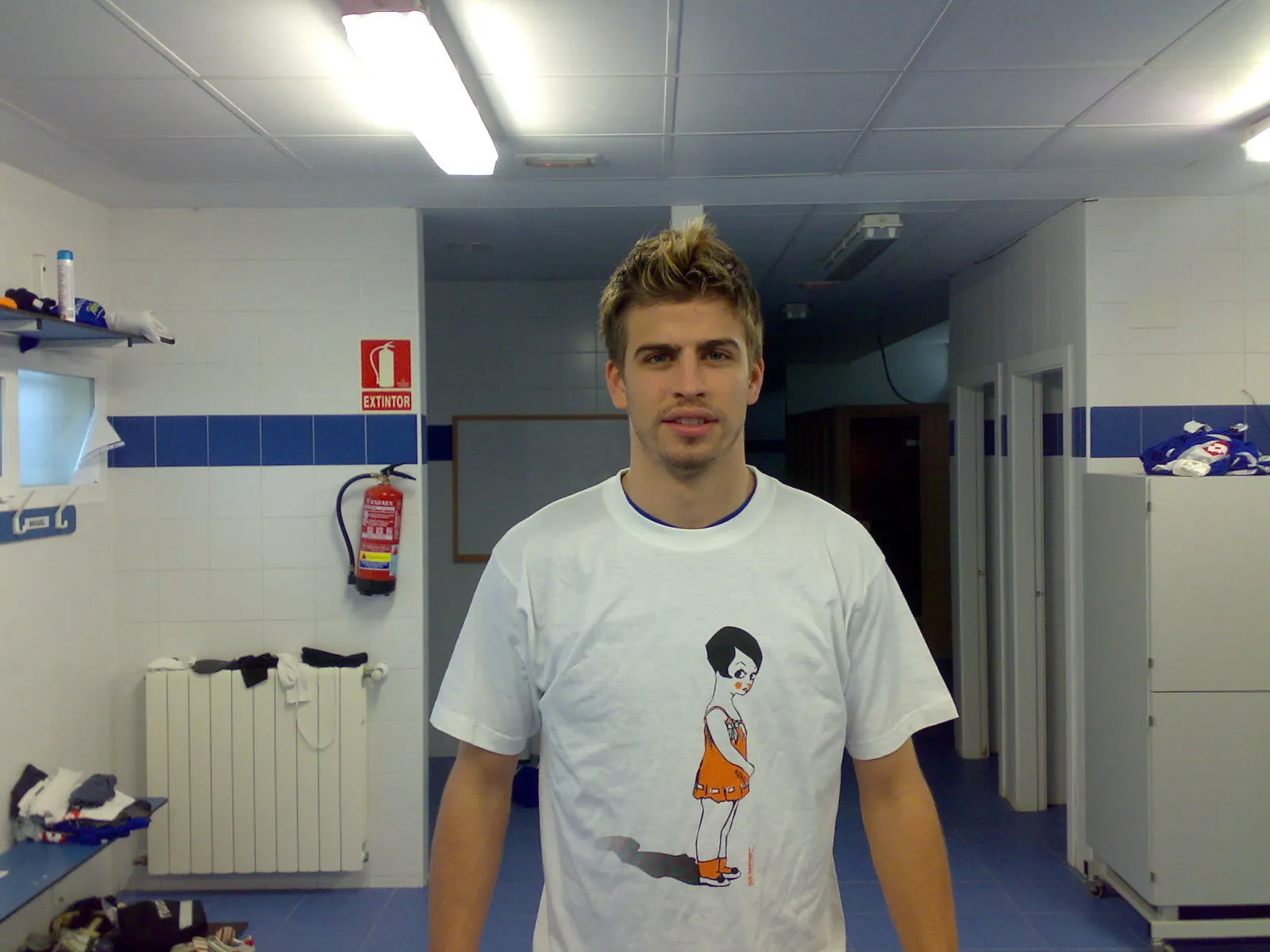
采用先进的 AI 算法,自动识别主体(目前仅支持人像),发丝级精细抠图,无需人工干预。
秒级出图,支持批量上传与处理,大幅提升工作效率。
完美适配人像电商主图、营销海报、证件照制作、个人娱乐等多种场景。
所有上传图片均加密传输,处理完成后自动清理,保障您的数据安全。

快速制作模特白底图、透明底图,提升商品转化率。

轻松提取人像素材,释放创意,制作精美营销海报。

智能更换背景色,一键生成标准证件照。










只需几行代码,即可将强大的抠图能力集成到您的应用中。
# 1. 直接保存为图片 (format=png)
curl -X POST "https://www.clipimg.com/api/human/matting" \
  -H "X-API-Key: YOUR_API_KEY" \
  -F "file=@photo.jpg" \
  -F "format=png" \
  --output result.png
import requests
api_url = "https://www.clipimg.com/api/human/matting"
api_key = "YOUR_API_KEY"
files = {"file": open("photo.jpg", "rb")}
headers = {"X-API-Key": api_key}
response = requests.post(api_url, headers=headers, files=files, data={"format": "png"})
if response.status_code == 200:
with open("result.png", "wb") as f:
f.write(response.content)
print("抠图成功")const axios = require('axios');
const FormData = require('form-data');
const fs = require('fs');
const form = new FormData();
form.append('file', fs.createReadStream('photo.jpg'));
form.append('format', 'png');
axios.post('https://www.clipimg.com/api/human/matting', form, {
headers: { 'X-API-Key': 'YOUR_API_KEY', ...form.getHeaders() },
responseType: 'arraybuffer'
}).then(response => {
fs.writeFileSync('result.png', response.data);
console.log('抠图成功');
});<?php
$ch = curl_init();
$cfile = new CURLFile('photo.jpg');
$data = array('file' => $cfile, 'format' => 'png');
curl_setopt($ch, CURLOPT_URL, "https://www.clipimg.com/api/human/matting");
curl_setopt($ch, CURLOPT_POST, 1);
curl_setopt($ch, CURLOPT_HTTPHEADER, array("X-API-Key: YOUR_API_KEY"));
curl_setopt($ch, CURLOPT_POSTFIELDS, $data);
curl_setopt($ch, CURLOPT_RETURNTRANSFER, true);
$result = curl_exec($ch);
file_put_contents("result.png", $result);
?>OkHttpClient client = new OkHttpClient();
File file = new File("photo.jpg");
RequestBody requestBody = new MultipartBody.Builder()
.setType(MultipartBody.FORM)
.addFormDataPart("file", file.getName(),
RequestBody.create(MediaType.parse("image/jpeg"), file))
.addFormDataPart("format", "png")
.build();
Request request = new Request.Builder()
.url("https://www.clipimg.com/api/human/matting")
.addHeader("X-API-Key", "YOUR_API_KEY")
.post(requestBody)
.build();
Response response = client.newCall(request).execute();
FileOutputStream fos = new FileOutputStream("result.png");
fos.write(response.body().bytes());